Law school formal seating
without the chaos.
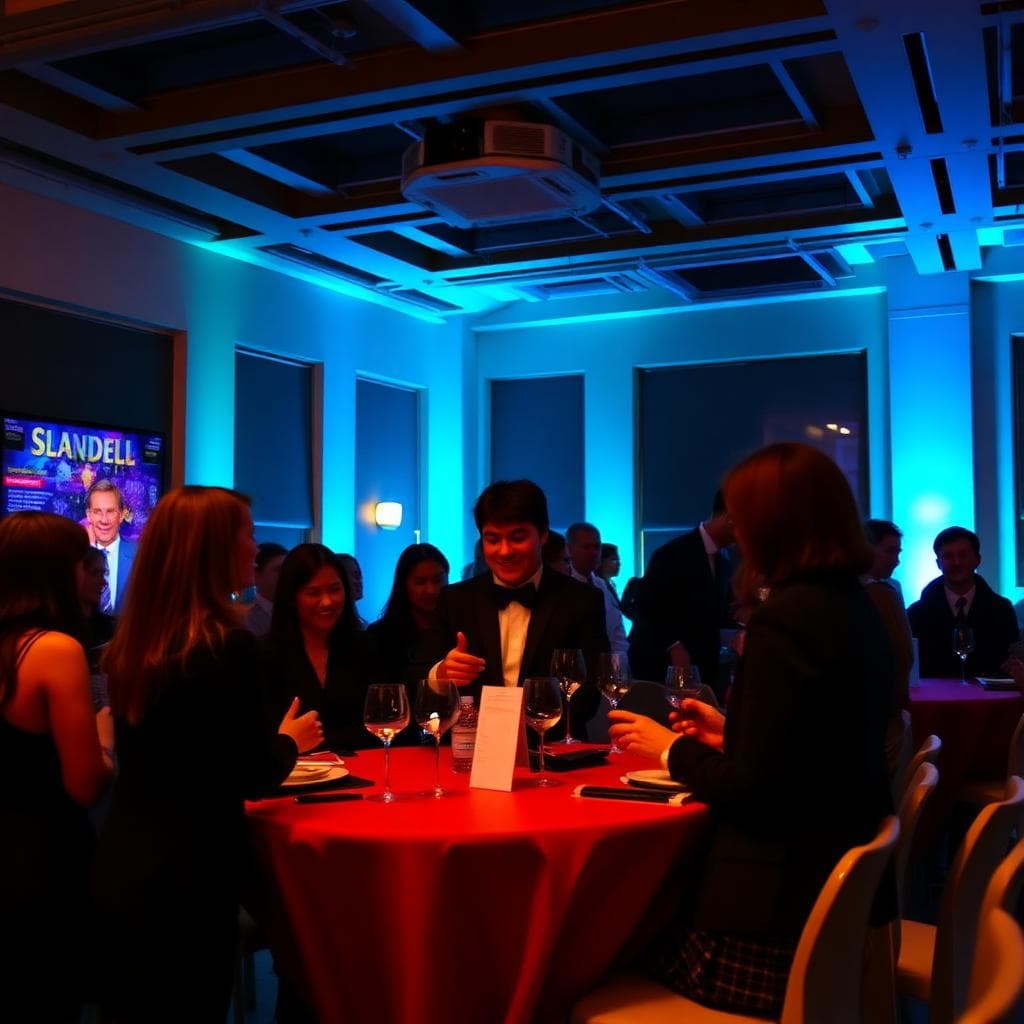
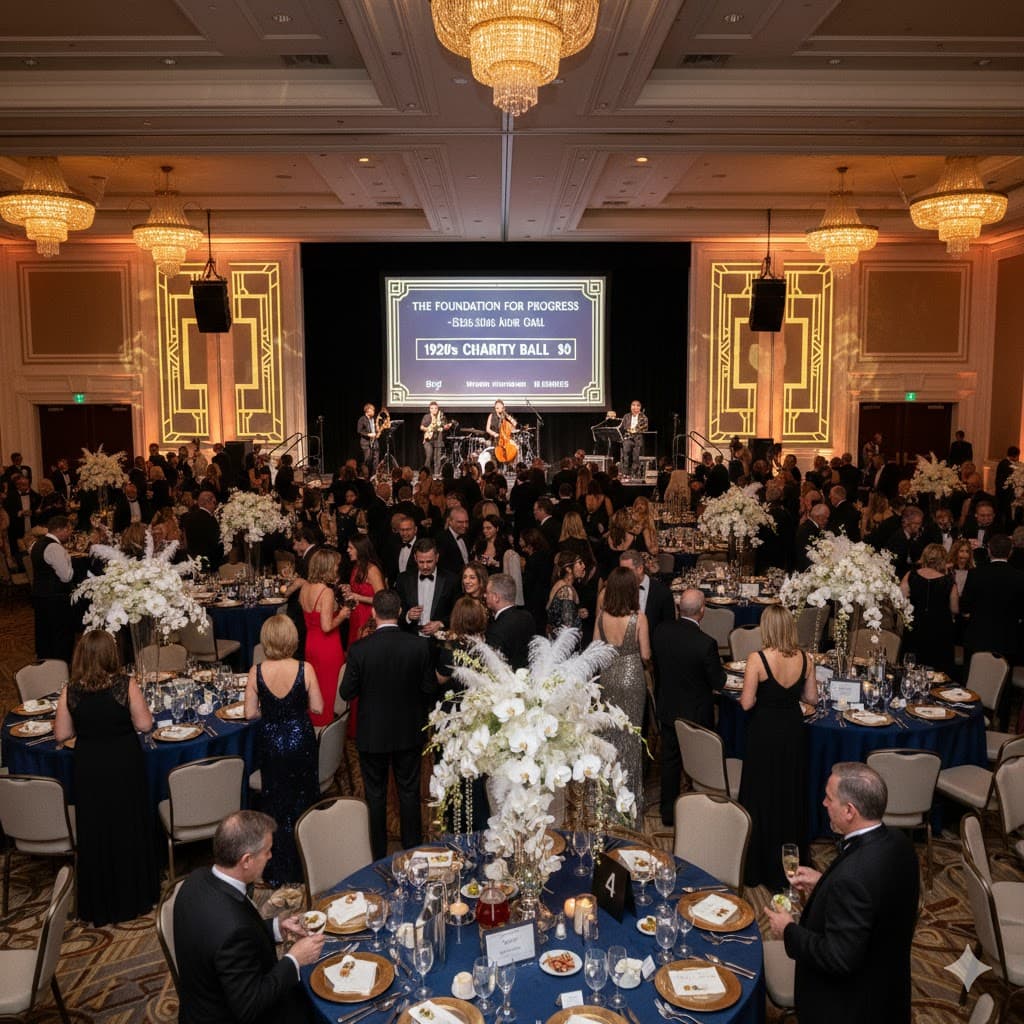
Barrister balls. Formals. Alumni dinners. Let students pick their own seats.
No student accounts needed • Built for student committees
Why committees choose Sitr
Focus on the event, not the spreadsheet.
Handle large guest lists
Invite your entire 1L, 2L, 3L classes plus partners without drowning in emails.
Section seating made easy
Create tables by section or let students self-organize. Your choice.
Real-time seat selection
Students see available seats in real-time. No double-bookings.
Committee dashboard
Track RSVPs and seating from one view. Know who's confirmed before the event.
How it works
Three steps to a seated formal
Create your layout
Set up tables and seats. Mark VIP or section-specific tables if needed.
Add your guest list
Import students and mark who gets plus-ones. Each gets a unique link.
Send invitations
Students click their link and pick their seats. Watch it fill in real-time.
FAQ
Law school formal questions
Can different sections have designated tables?
Yes. Create section-specific tables or let all students choose from the full layout. You control the access.
How do plus-ones work for students?
Mark which students get plus-one access. They'll be able to select two seats together when they receive their link.
Can we reserve tables for faculty or sponsors?
Absolutely. Create VIP tables with restricted access for faculty, alumni sponsors, or special guests.
Do students need to create accounts?
No. Each student gets a unique link via email. They click it and pick their seat immediately.
What if someone needs to change their seat?
Students can update their selection anytime before your cutoff. No committee intervention needed.
Can this handle our bar association dinner too?
Yes. Sitr works for any seated event—formals, bar dinners, alumni gatherings, or awards ceremonies.